I've Watched 800+ Processes. Here's How I Know Which Ones Are Ready to Automate.


Sometimes the answer is no. That's the most valuable thing I can tell you.
"Andy, can you automate this?"
I've answered that question about 800 times.
Sometimes the answer is yes. Sometimes it's not yet. Sometimes it's never.
The difference isn't the tool. It's whether the process is ready.
I've watched businesses spend $3,000 automating something that made their problems worse. The automation worked perfectly. The process underneath was a mess. All they did was create mess faster.
One agency automated their entire client onboarding. Forms auto-populated project boards. Slack notifications fired when tasks moved. Welcome sequences triggered automatically. It was beautiful.
Projects were still late. Team still worked extra hours. Clients still complained.
The automation didn't fail. The process did. Content flew through creation in hours, then sat in "awaiting approval" for days because the owner reviewed every single piece. They'd built a more efficient system for overwhelming one person.
Automation is an accelerant. It makes good processes great and bad processes worse. And nobody wants to hear that their process is the problem, not their tools.
95% of AI pilots fail. Not because AI doesn't work. Because nobody checked if the process was ready first.
That's Step 1 of how I work. Before we build anything, I watch you actually work. Not your org chart. Not your SOPs. The real process.
I call it "Go and See the Work." It sounds simple. It's surprisingly revealing.
The Broken Process Trap
Here's what happens without a diagnostic:
You identify a painful, repetitive task. You find a tool that promises to fix it. You watch tutorials, build the automation, connect the systems. It works.
Three months later, you're still drowning.
The automation runs fine. But the process feeding it is broken. Incomplete information comes in, so incomplete outputs go out. Exceptions pile up faster than before. The time you saved gets eaten by cleaning up the mess the automation created.
(This is the part where I'm supposed to blame the tool. I'm not going to. The tool did exactly what you told it to do. The problem is what you told it to do.)
The trap is that broken processes are the most tempting to automate. They're painful. They're visible. They feel like obvious candidates. But automating a broken process doesn't fix it. It just makes it break faster.
30-50% of RPA projects fail to deliver expected results. Not because robotic process automation doesn't work. Because the processes weren't ready.
What "Go and See the Work" Reveals
I don't audit from screenshots and documentation.
I watch you actually do the work. Or I watch the person who does. Live, over Zoom, in real time.
This feels awkward. It's like having someone watch you parallel park. But it reveals things that process maps never show.
Where work actually waits.
Not where you think it waits. Where it actually waits. The inbox that's always full. The approval that takes three days. The handoff where things disappear.
Where information goes missing.
The email you always have to send asking for clarification. The field that's never filled out correctly. The context that lives in someone's head instead of in the system.
Where the workarounds live.
Every process has workarounds. The unofficial steps that everyone does but nobody documented. The "oh yeah, I also have to do this" that surfaces only when someone's watching.
The gap between "how we think it works" and "how it actually works" is where automation projects go to die. I'd rather find that gap before we build anything.
The Three Criteria I Actually Use
Not every task should be automated. Specific criteria exist. Here's what I'm looking for:
Time: 2-30 minutes per occurrence.
Too short (under 2 minutes) and it's not worth automating. The setup and maintenance will cost more than the time saved.
(That said, if you have 1,000 tasks that take 2 minutes or less, then it might absolutely be worth automating.)
Too long (over 30 minutes) and it's probably too complex. Long tasks usually involve judgment, exceptions, and context that automation handles poorly.
The sweet spot is 2-30 minutes. Long enough to matter. Short enough to be systematizable.
Frequency: Happens regularly and predictably.
If a task happens daily or weekly on a predictable schedule, it's a good candidate.
If it happens "sometimes" or "when certain conditions are met" or "it depends," we need to dig deeper. Unpredictable tasks usually have unpredictable requirements.
Exceptions: Low number of edge cases.
If you follow the standard process 95% of the time, we can automate the 95% and flag the 5% for human review.
If the "standard" process only happens 60% of the time, you don't have a standard process. You have a decision tree that lives in your head. And decision trees that live in your head are notoriously difficult to export into Make.com.
When a task fails these criteria, I say no. Or I say "not yet." That's not me being difficult. That's me saving you from building something that won't work.
Signs the Process Isn't Ready
Beyond the three criteria, I'm watching for specific red flags:
Unclear ownership.
"I thought you were handling that."
If nobody clearly owns the process from start to finish, nobody sees the whole picture. Problems get created upstream and felt downstream, but nobody connects the dots.
Missing information at handoffs.
Every time work moves from one person to another, there's a chance for information to get lost. The more handoffs, the more gaps.
Automation can't fix missing information. It just chases it faster.
Rework loops.
If you regularly have to redo something because it wasn't done right the first time, that's a process problem. Automating it will just automate the rework.
Workarounds everyone knows but nobody documented.
"Oh yeah, when that happens, I just..."
If the workaround is common enough that everyone knows it, it should be part of the official process. If it's not documented, the automation won't know about it.
The "it depends" answer to simple questions.
When I ask "what happens next?" and the answer starts with "well, it depends," I'm hearing complexity that automation won't handle well.
None of these are deal-breakers. But they're all things we fix before we automate, not after.
Workflow Problem vs. Intelligence Problem
Here's where most automation projects go sideways: people solve the wrong type of problem.
There are two types:
Workflow problems.
Things need to move between systems. Data needs to flow. Steps need to trigger other steps. Information needs to get from Point A to Point B.
When a form is submitted, create a project in your PM tool. When a payment clears, update the CRM. When a file lands in a folder, notify the team. When a calendar event ends, send a follow-up email.
These are plumbing problems. The pipes need to connect.
Solution: Make.com, Zapier, automation tools. The skeleton.
Intelligence problems.
Decisions need to be made. Context needs to be understood. Judgment calls need to happen. Something needs to read, interpret, or respond.
Read this email and determine if it's urgent. Look at this intake form and categorize the request. Take this transcript and extract the action items. Review this document and flag anything that looks wrong.
These are thinking problems. Something needs to reason.
Solution: Claude, GPT, AI reasoning. The brain.
Here's where it gets expensive:
You automate workflow when the real problem is intelligence. Data moves faster to a decision that still requires a human. You've sped up the highway to a traffic jam.
I watched a bookkeeping firm automate document collection. Clients uploaded files to a portal, files automatically landed in the right folders, notifications fired perfectly. Beautiful workflow.
The bottleneck didn't move. Because the problem wasn't collecting documents. It was understanding what the documents meant and knowing what to do with unusual ones. That required intelligence, not workflow.
You add AI when the real problem is workflow. You're paying for intelligence to do a dumb task. You've hired a PhD to stuff envelopes.
I watched an agency add ChatGPT to their project intake process to "make it smarter." The intake wasn't broken because it lacked intelligence. It was broken because the form data wasn't flowing to the PM tool correctly. They needed plumbing, not brainpower.
The diagnostic question: Is work stuck because it's not MOVING or because it's not being DECIDED?
Move = workflow tool. Decide = intelligence tool. Both = Make.com as skeleton, Claude as brain.
When you need both:
A client needed to process incoming emails from clients and route them to the right team member based on content.
Workflow problem: Get the email from the inbox to the right person. Intelligence problem: Determine who the right person is based on what the email says.
Make.com receives the email. Claude reads it and decides the routing. Make.com sends it to the right place.
Skeleton and brain, working together.
Most of my builds use both now. But only after I know which problem is which. Getting that wrong is how you spend $5K on a solution to a problem you don't have.
What Happens When We Build Together
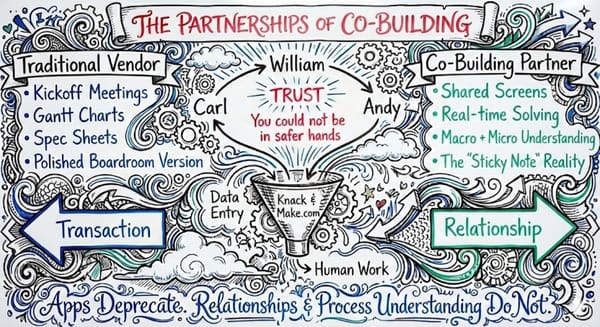
When the diagnostic is done and we're ready to build, we build together.
I don't disappear for two weeks and come back with something you don't understand. We work in live sessions. You see how it's built. You understand why it's built that way.
This matters because:
You'll need to maintain it.
Things change. Platforms update. Your process evolves. If you don't understand what you have, you can't fix it when it breaks. You'll be dependent on me forever. That's not a business model I want to build.
You'll need to extend it.
The first automation is rarely the last. Once you see what's possible, you'll want to do more. If you understand how the first one works, you might just build the next one yourself. Or at least know what to ask for.
You'll make better decisions.
When you understand how automation actually works, you stop being mystified by it. You can evaluate vendors. You can separate genuine capability from marketing hype.
When we're done, you own it. You can maintain it. You can extend it. That's the point.
The Questions I Ask Before I Build Anything
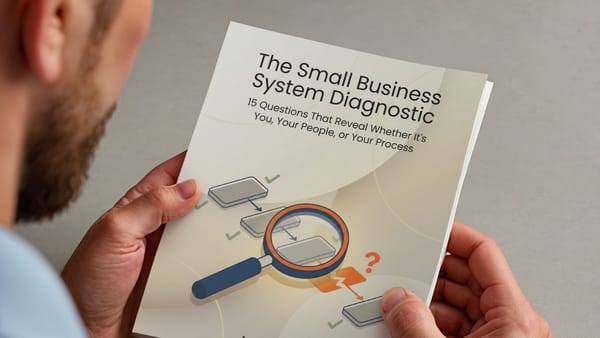
Here's the actual diagnostic. Six questions. They're not complicated, but they're revealing.
1. Tell me about your business.
Is your business model still forming, or is it solid and set?
If it's still forming, we stop here. Automating a moving target is how you spend $5K building something you'll tear down in 6 months. Get the model solid first. Then we talk.
2. Do you actually do this process?
If not, I want to talk to the person who does.
The boss doesn't always know what the person doing the work really does. I've watched owners describe a process, then watched the employee do something completely different. The details live in their hands, not in your head.
3. Walk me through it.
Not the overview. The actual steps.
What happens before this process starts? What happens after it ends? How often do you make exceptions or hit edge cases?
If exceptions are frequent: Can they be eliminated altogether? If not, how do we systematize them so automation can handle them?
4. Does the same person own it from start to finish?
And is it done the same way every time?
If ownership changes hands three times and everyone does it differently, you don't have a process. You have a habit. We need to fix that before we automate it.
5. Is the information needed available when it's needed?
If not, what are the blockers?
Automation can't fix missing information. It just chases it faster. We need to solve the information problem first.
6. If we automated this tomorrow, would the output be correct 97%+ of the time?
Not 80%. Not "mostly." 97%+.
If you're not confident in that number, we're not ready. We either tighten the process, reduce the exceptions, or accept that this one stays manual for now.
These questions are the diagnostic. This is Step 1. Most of the value happens here, before we build anything.
Sometimes the Answer Is No
I told a client not to automate last month.
They wanted to automate their proposal process. Custom proposals for every client. Took 2 hours each. They were spending 15+ hours a week on proposals alone.
"Can you automate this? Just have AI generate the proposals?"
I asked to watch them build three proposals first.
Here's what I saw:
Every proposal was different because their service offerings weren't standardized. They had dozens of variations of essentially four services. Different scopes, different deliverables, different pricing structures for what was basically the same work.
The 2 hours wasn't the proposal. It was the decision-making about what to include. Which version of the service? Which add-ons? Which pricing tier? What scope caveats?
The owner was making those decisions fresh every time, based on gut feel and whatever they remembered from the sales call.
Automating proposal generation would have required encoding all those decisions into rules. Dozens of variations. Hundreds of if-then branches. And then it would have produced output that still needed heavy editing because the rules couldn't capture all the nuance.
Faster confusion is still confusion.
I told them no.
Not "no forever." But "no, not yet."
We spent the diagnostic cleaning up their service offerings instead. Four packages. Clear scope for each. Clear pricing. A simple questionnaire to determine which package fit which client.
Now proposals take 20 minutes. They pull the right template, fill in the client details, and send. No AI required. No automation required.
The time savings came from fixing the upstream problem, not from automating the downstream symptom.
A diagnostic that tells you "don't build this" is sometimes the most valuable thing a consultant can do. I'd rather tell you no and save you $15,000 than take your money to build something that makes things worse.
(I realize "consultant who sometimes tells you not to hire him" is a weird business model. But I sleep well at night, and my clients actually get results.)
The 1-2 Punch
That's the approach. Two steps.
Step 1: Diagnose.
Watch the actual work. Find the real constraint. Determine if the process is ready. Figure out if it's a workflow problem or an intelligence problem. Ask the six questions.
Sometimes this takes an hour. Sometimes it takes several sessions. The answer might be "build this," "fix this first," or "don't automate this at all."
Step 2: Build.
If we're building, we build together. Live sessions. You see how it works. You understand why. When we're done, you own it.
An automation tool for workflow. A specialized AI for intelligence. Both when you need both.
Skip Step 1, and Step 2 goes wrong. That's why 95% of AI pilots fail. That's why 30-50% of RPA projects don't deliver. Not because the tools don't work. Because nobody did the diagnostic.
Next Step
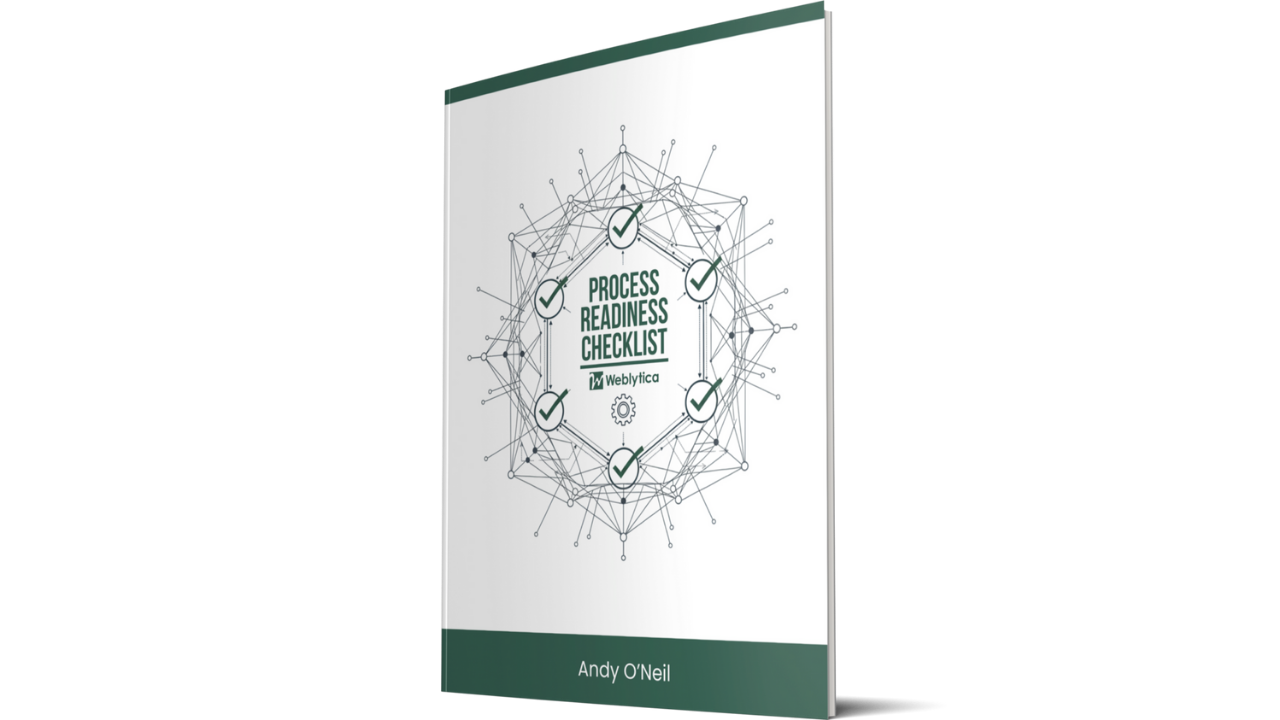
I put together a checklist that walks through the six questions in detail. It's the same diagnostic I use with clients.
If your process passes, you're ready to build. If it doesn't, you'll know exactly what to fix first.
Free. No email required.